
Wield the power of code as a Memory Walker


Wield the power of code as a Memory Walker

About the game
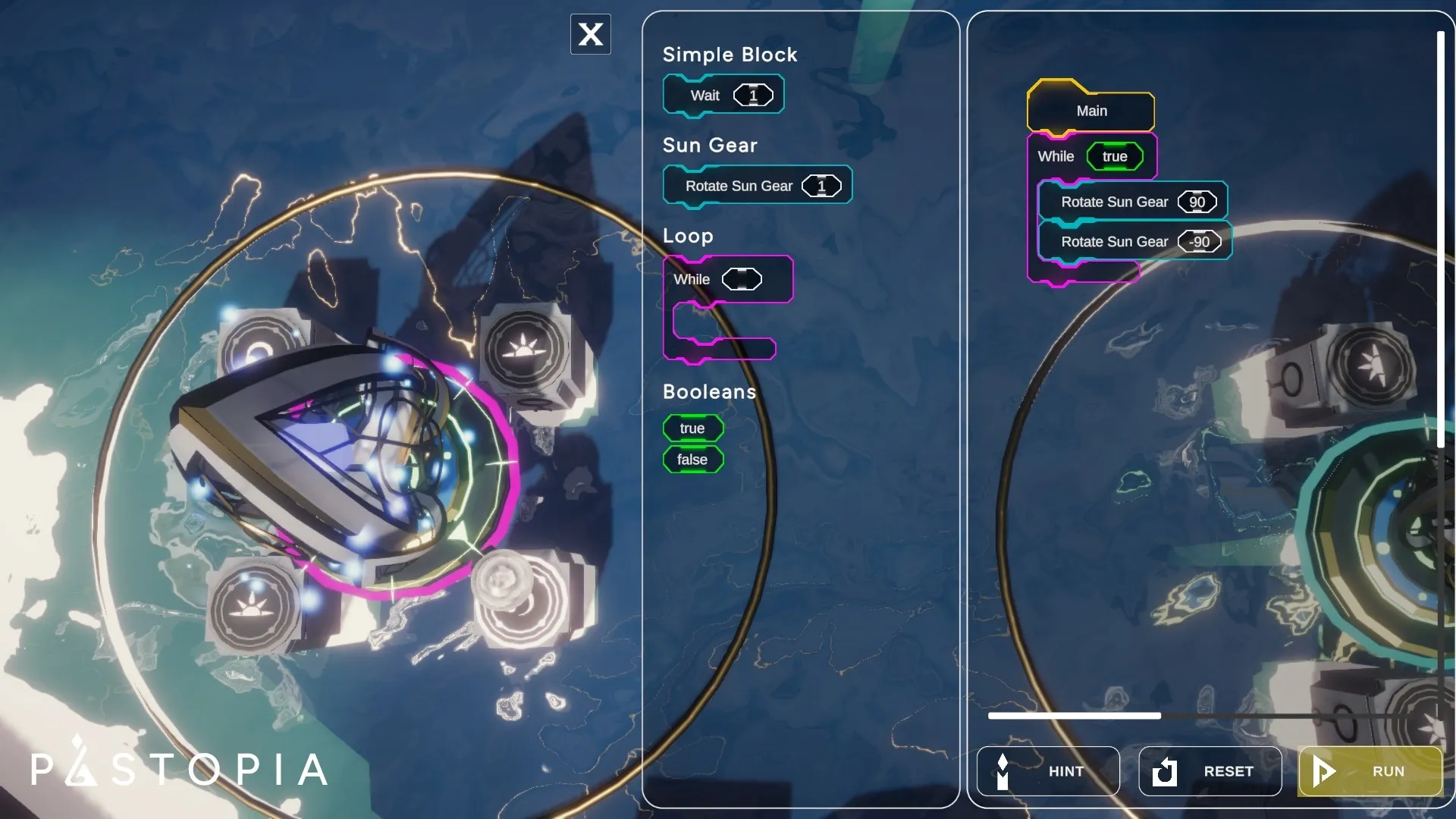
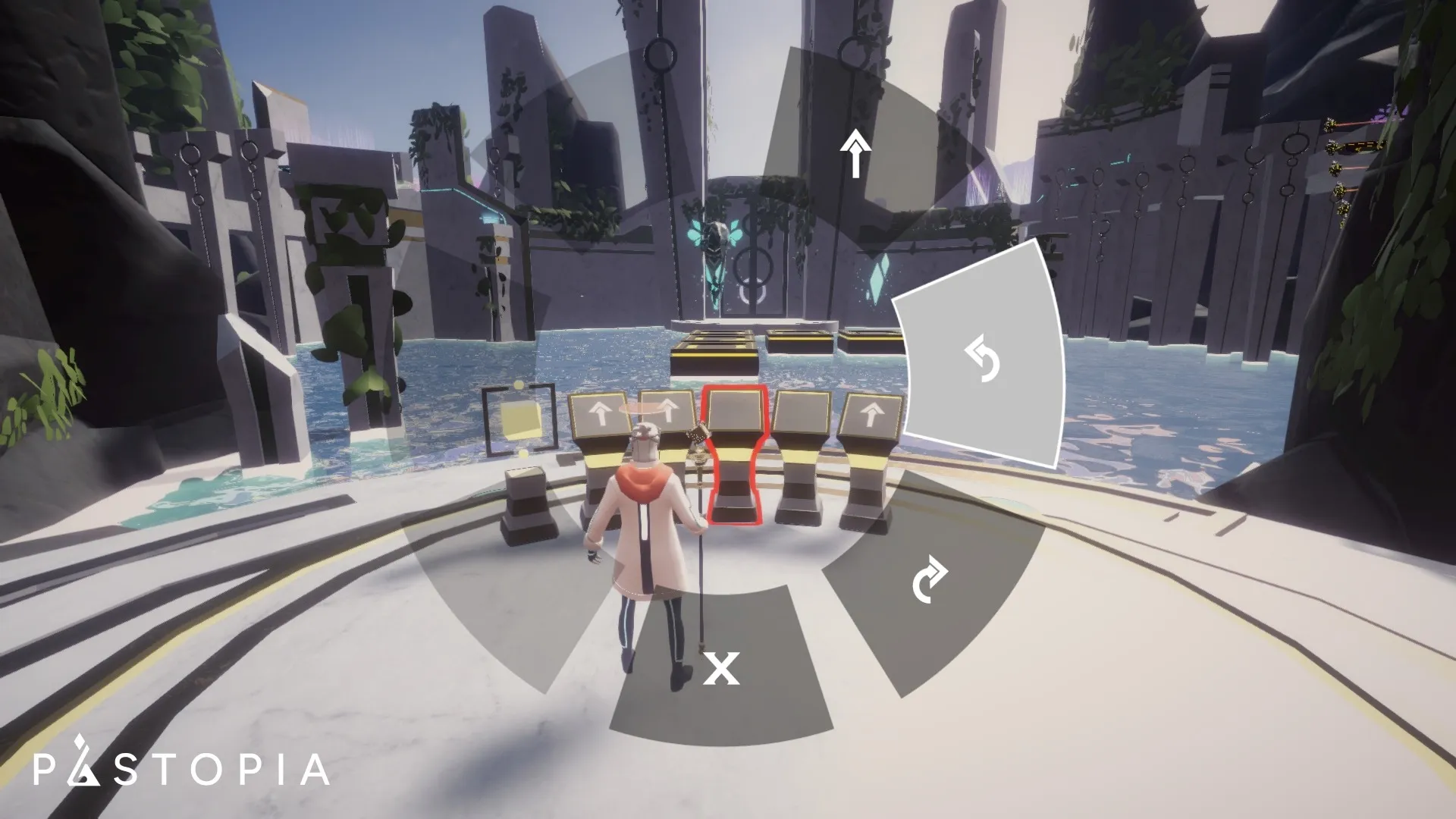
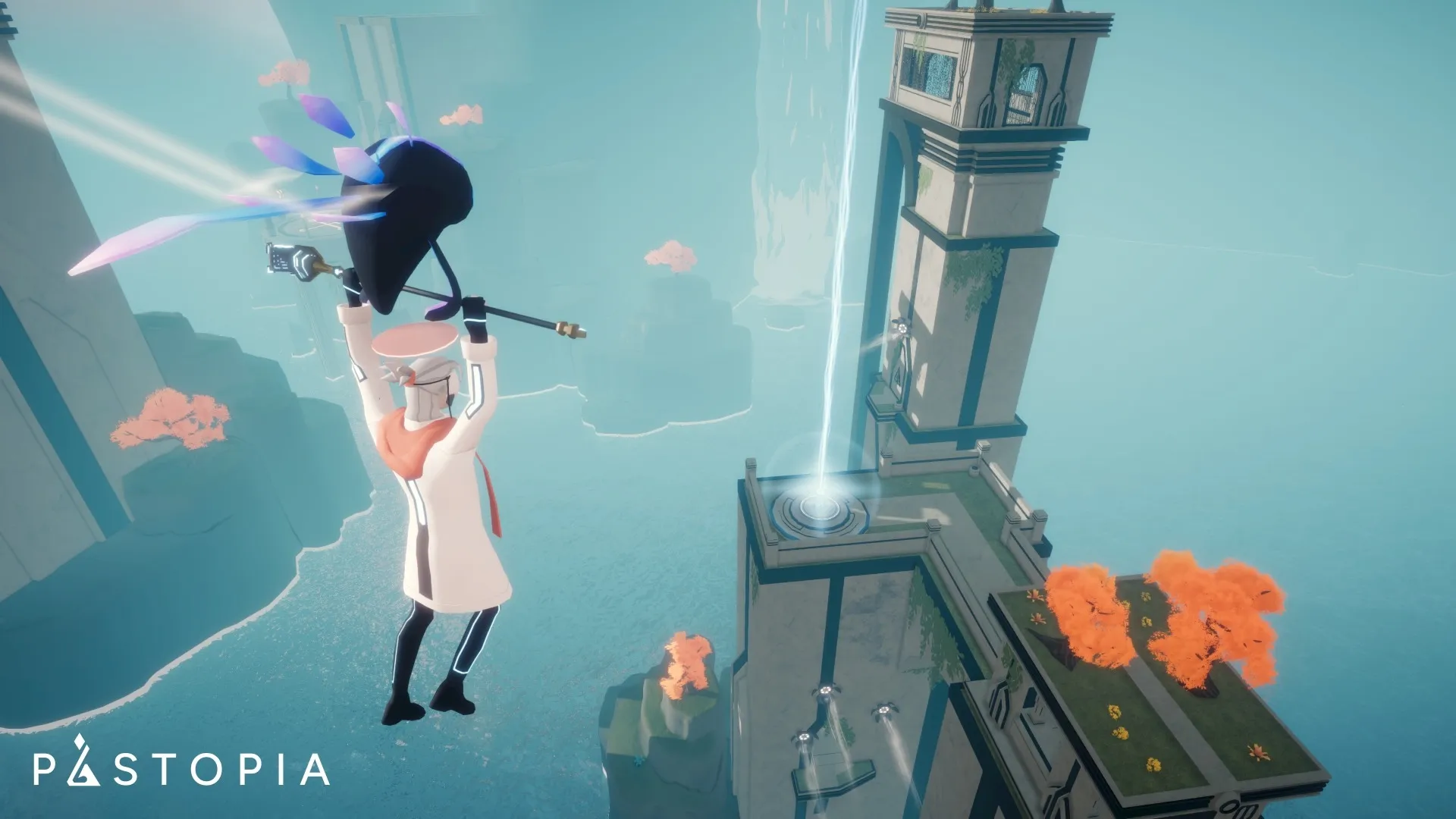
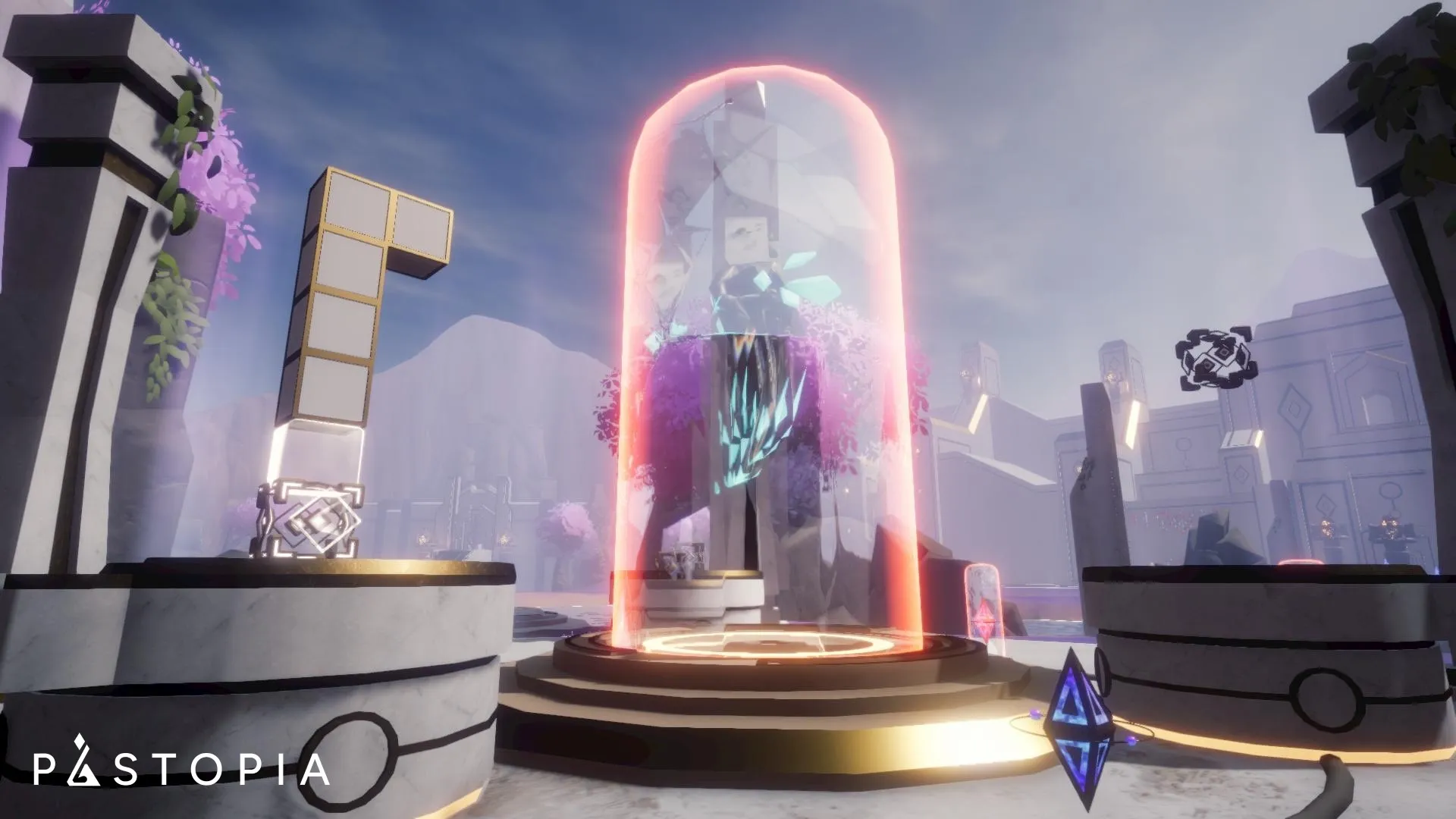
Pastopia is a third-person, open-world adventure where coding becomes your key to unlocking the mysteries of a forgotten world. Explore puzzles with your Golem AI companion, learn MiniScript and Python, and restore the mystical lands of Talmanu—one line of code at a time.
Official store
Trusted. Transparent. Reliable.
Secure payment
Only verified payments methods
| OS | Windows 10 |
| Processor | Intel i5 2.0 GHz (11th Gen or later) |
| Memory | 8 GB RAM |
| Graphics | Intel UHD Graphics (11th Gen or later) |
| DirectX | Version 12 |
| Network | Broadband Internet connection |
| Storage | 5 GB available space |
| Sound Card | DirectX-compatible sound card |
| VR Support | Not available |
Your game key will be sent automatically to your email as soon as the game is purchased.
To activate a CD key on Steam, follow these steps:
i. Launch the Steam client on your computer and log into your Steam account. If you don't have Steam installed, you can download and install it from the official Steam website.
ii. Click the Games menu option at the top of the Steam client.
iii. Select Activate a Product on Steam.
iv. Follow the onscreen instructions to complete the process.
v. Once the game appears in your library, download and install it by clicking on it and selecting the Install button.
If you encounter any issues during activation, please see this Retail CD Keys article for more info. If problems persist, you may contact Xsolla Customer Support at Xsolla Help Center.
Interface: English
Full Audio: English
Subtitles: English
If you have any issues with your purchase, please email us at support@xsolla.com or simply click on the customer support button located on the bottom left of the homepage to start a live chat. In rare cases, it may take up to a few minutes for emails from Xsolla Mall to deliver.